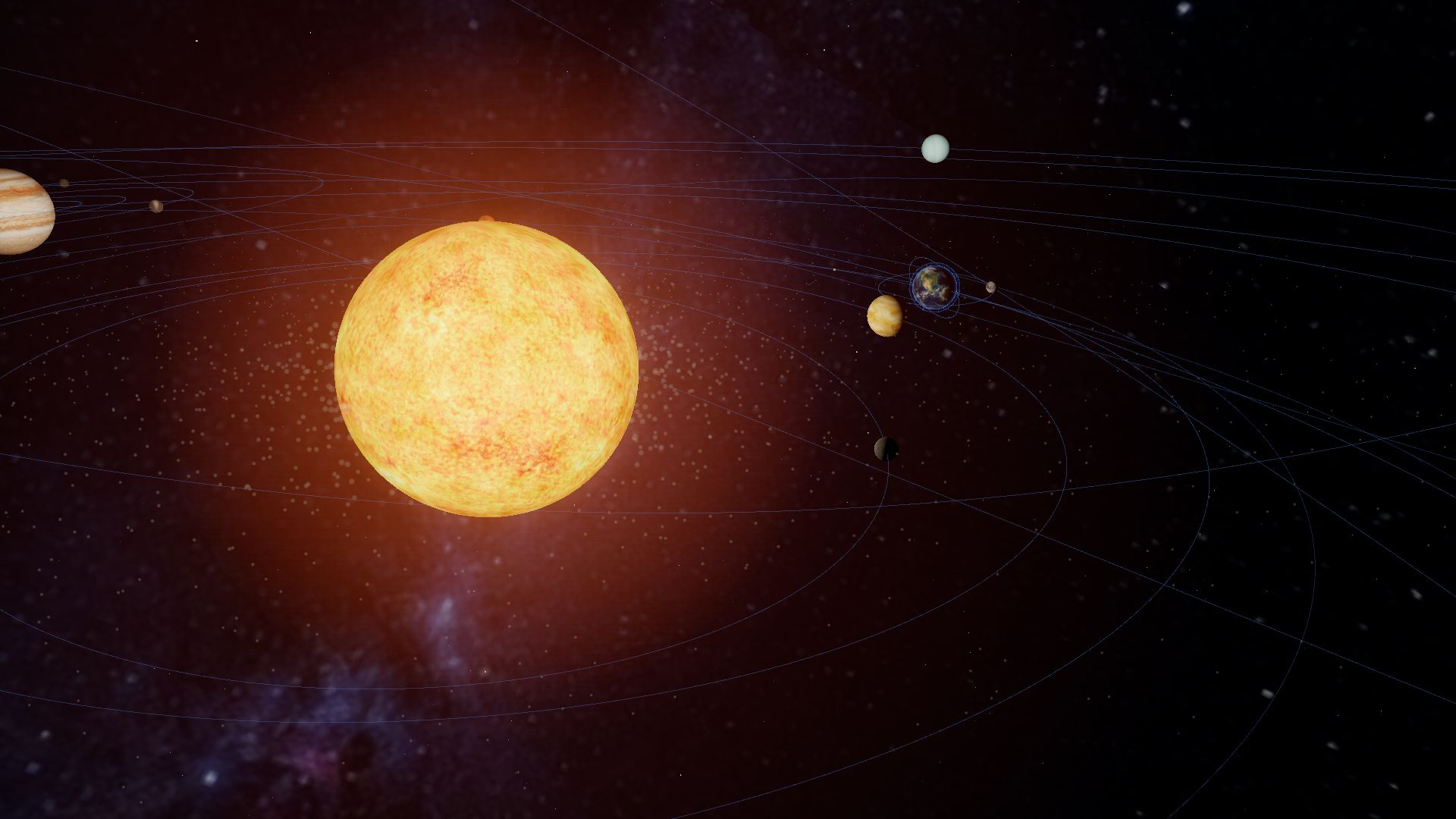
Live screenshot: the Solar System in Orbitale

For schools, colleges & education centres

The universe,
in every classroom.

Orbitale is a real-time 3D Solar System that runs in a web browser. Real planetary positions, guided missions, a walk-through International Space Station and a “What if?” lab — designed for the screen at the front of your classroom.

Scroll to begin
  • Runs in a web browser
  • Nothing to install
  • No student accounts
  • Designed for projectors & whiteboards
  • English & Shqip
  • ISS built from NASA’s public 3D models
  • Positions checked against NASA JPL Horizons

The challenge

Space is the biggest, most dynamic subject in school. It is still taught with flat, still pictures.

A textbook diagram can’t show the Moon moving, the seasons turning or how empty space really is. A planetarium trip is rare, and a telescope only works on clear nights.
The solution

Orbitale puts a living, explorable universe on the screen you already have.

So students don’t just read about space. They go there — together, at the pace of your lesson.

From diagram to universe

This is how most students first meet the Solar System.

But the planets never stand in a line.

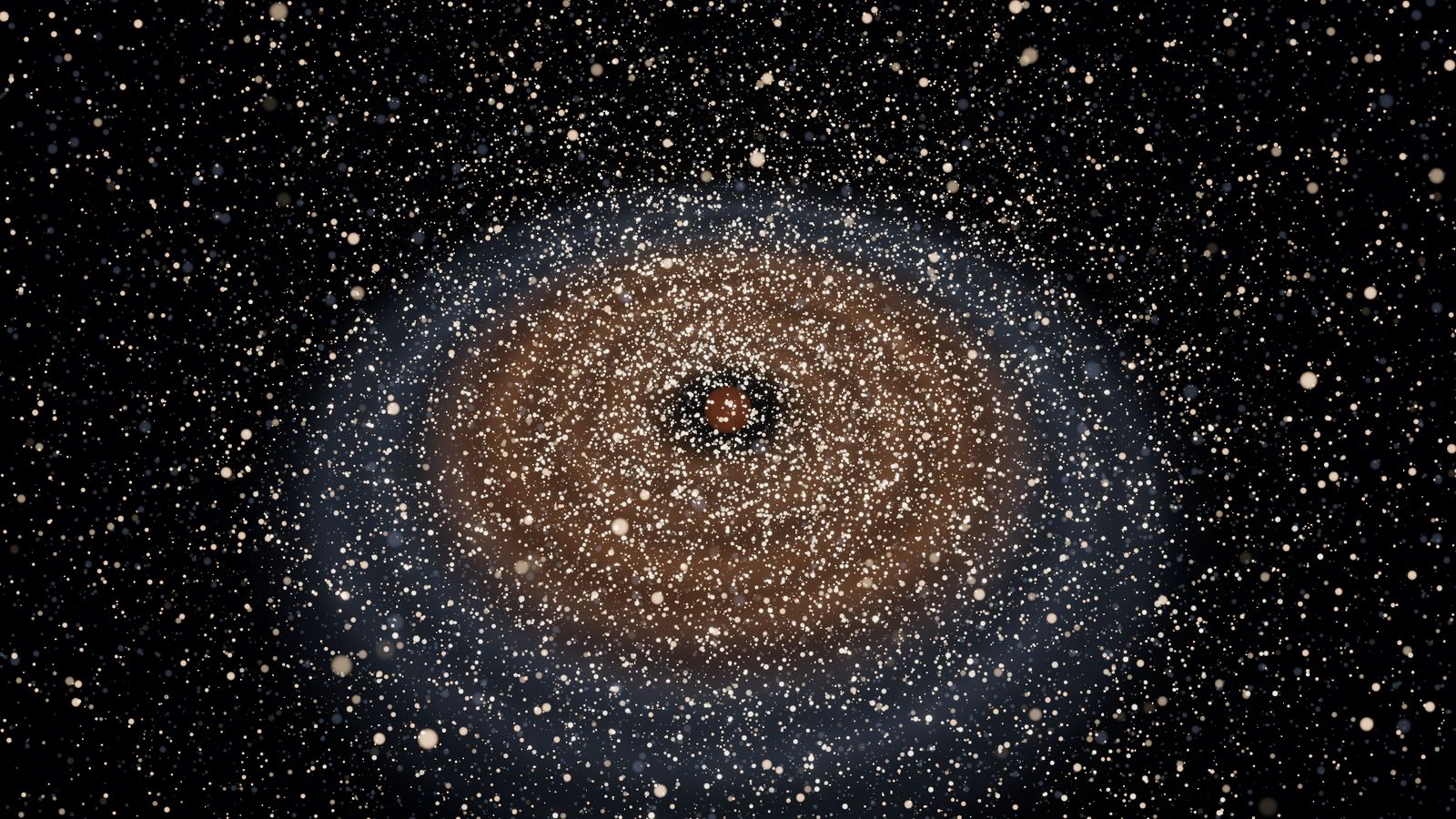
They travel real orbits — and this is where they are today.

This is Orbitale.

Directions around the Sun computed for today’s date by Orbitale’s own ephemeris code. Distances compressed to fit the screen.

Orbitale in numbers

A whole Solar System, ready for the lesson.

23

bodies to explore — the Sun, eight planets, moons, dwarf worlds and the ISS

4

guided missions, 8–12 minutes each

6

“What if?” experiments

5

worlds you can cut open, layer by layer

<0.2°

largest planet-position error, measured against NASA JPL Horizons

0

installs, plug-ins or student logins

The experience

Six ways into the universe.

01 / 06 · Origins

Begin at the very beginning.

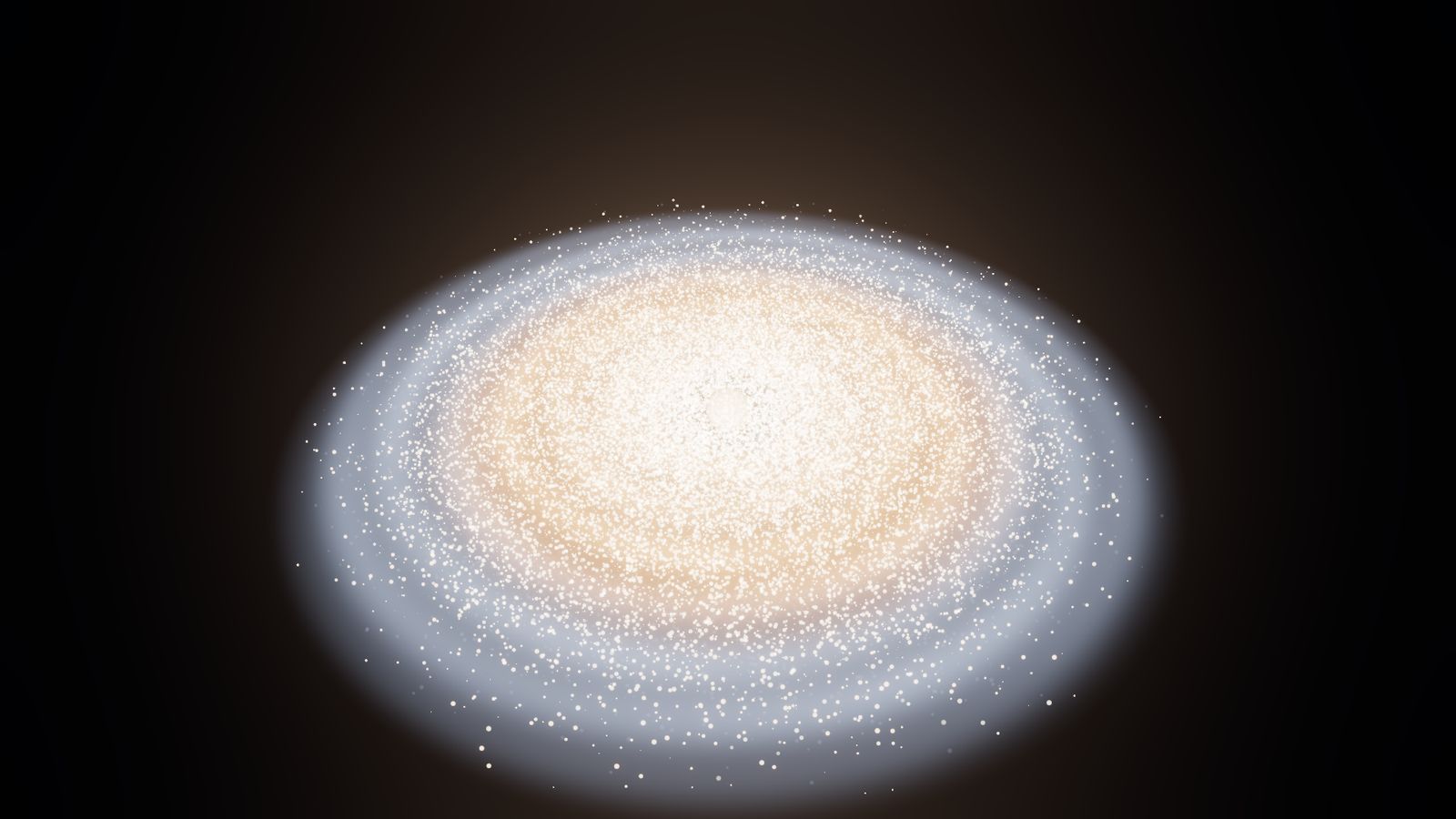
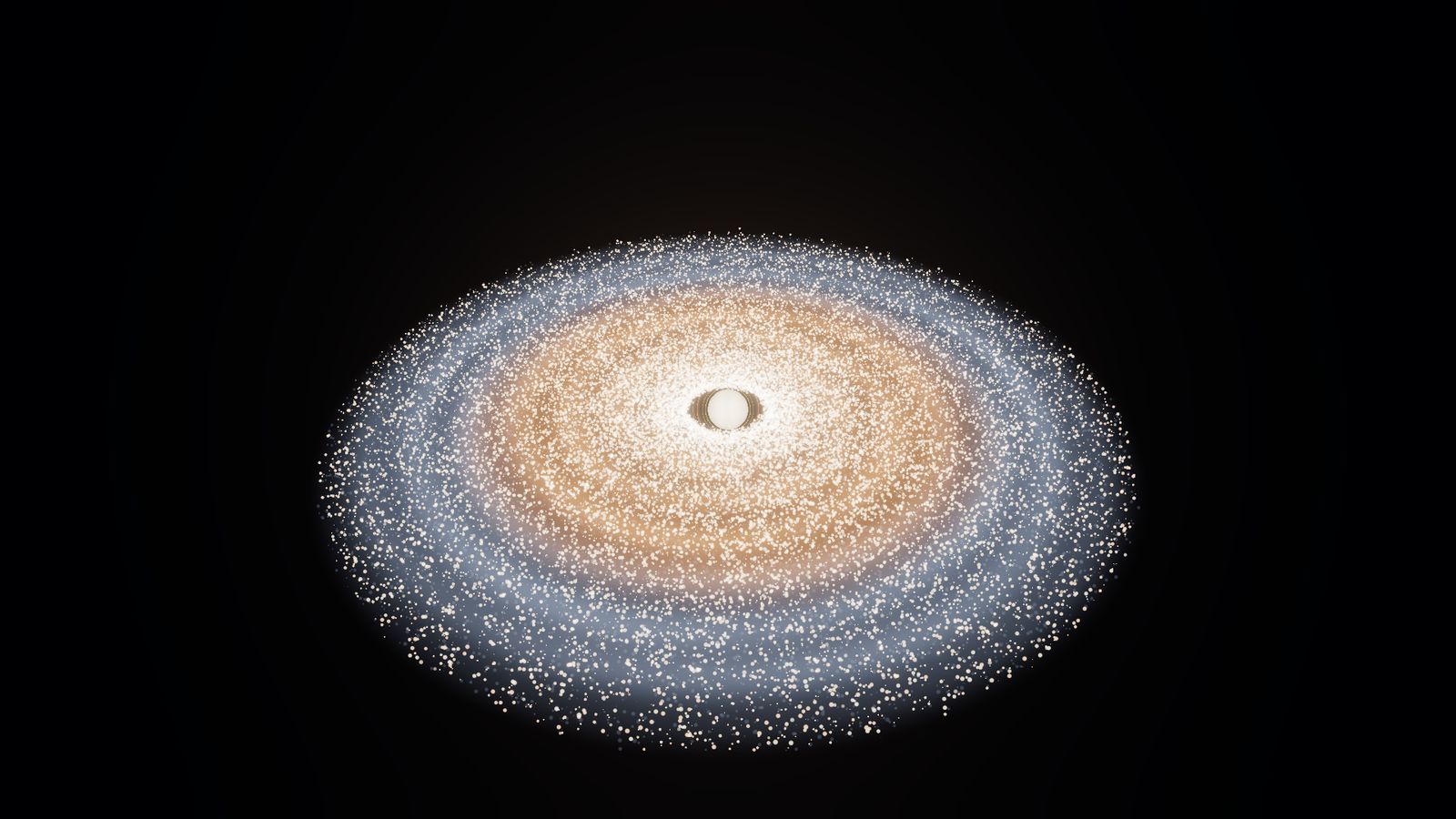
Orbitale Origins compresses billions of years into a few cinematic minutes — from a collapsing cloud of gas to a newborn Sun and the first worlds. Pause it mid-sentence and ask the class what happens next.

A scientific visualization compressed across billions of years. Sizes and distances are not to scale.

Stars forge the ingredients of worlds. A cloud of gas and dust collapses. Our Sun is born. Dust becomes worlds.

02 / 06 · Explore

A Solar System that actually moves.

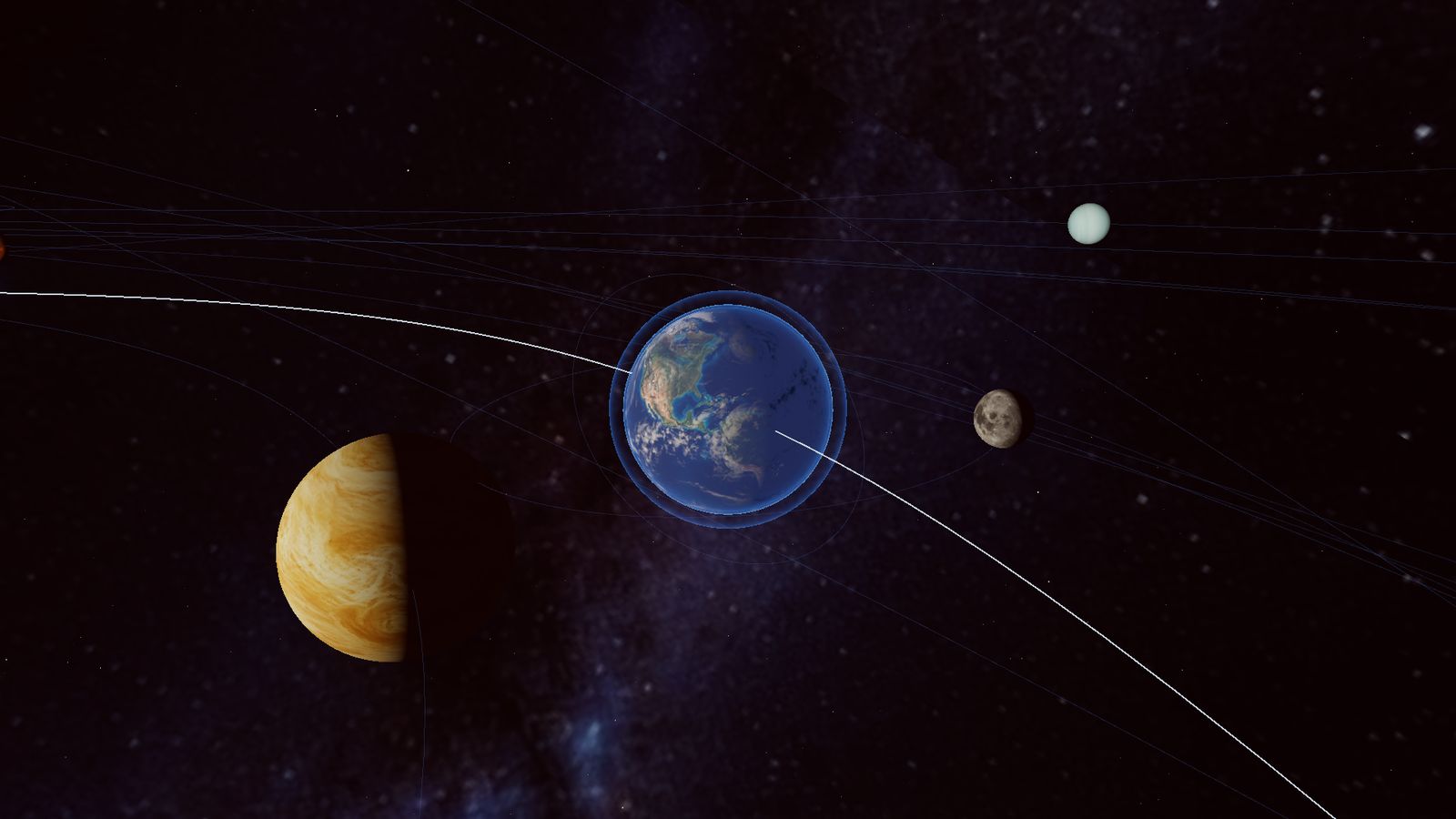
Every planet is where it really is today, calculated from published orbital elements. Speed time up to watch a year pass in seconds, or slow it down to see the ISS glide over the clouds in real time. Click any world to learn; double-click to fly there.

  • Today’s real date & time
  • Real · Fast · Days · Months
  • Demo Orbit — clearly labelled
Earth and the Moon in Orbitale, with Venus in the foreground

03 / 06 · Learn

Every world comes with a lesson.

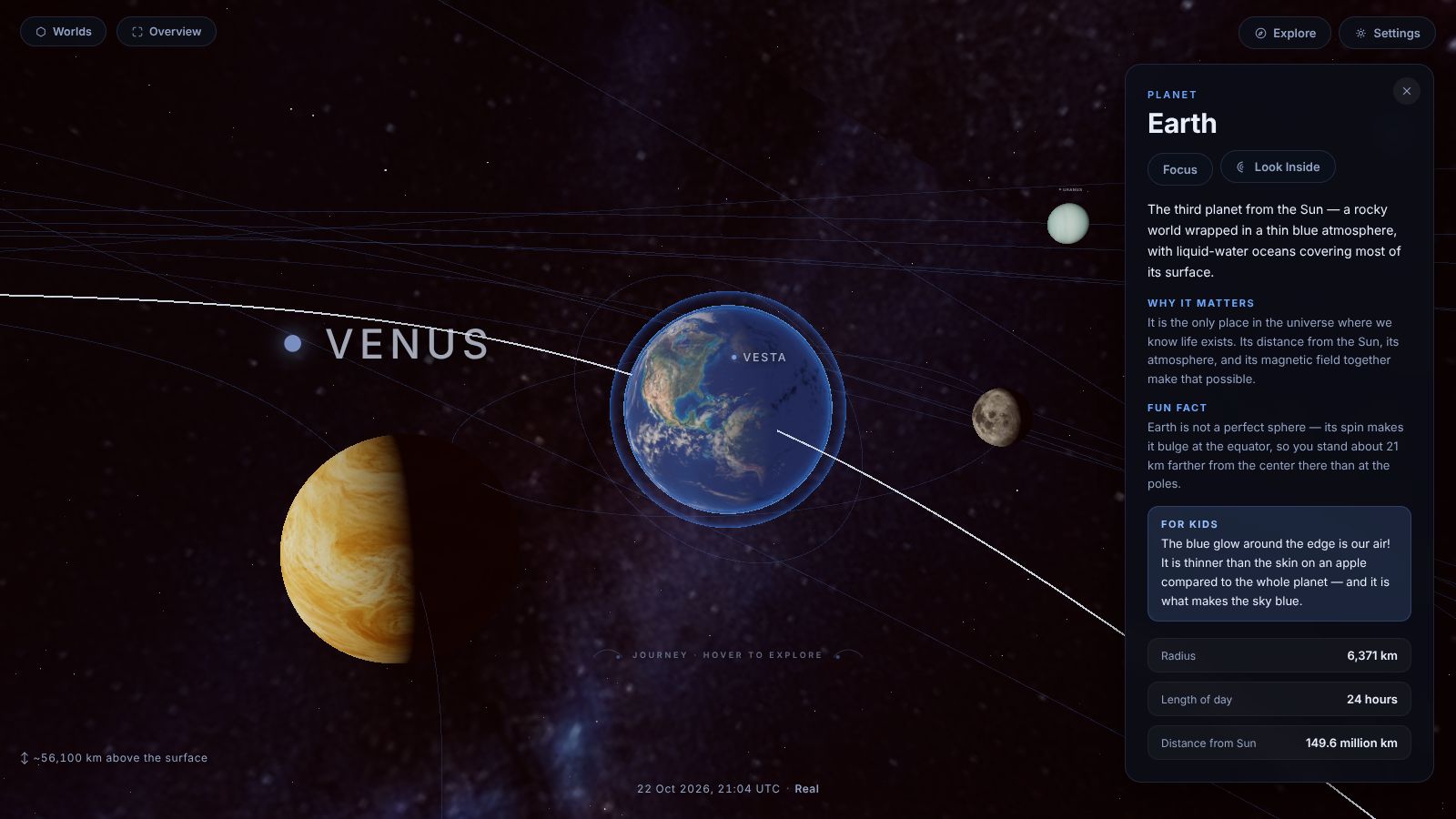
Learning cards answer the questions students actually ask — What am I looking at? Why does it matter? — with a fun fact, real figures and a line written just for kids. Deeper science is always one tap away.

Orbitale's Earth learning card beside a close-up of Earth

04 / 06 · Look Inside

Cut a world open.

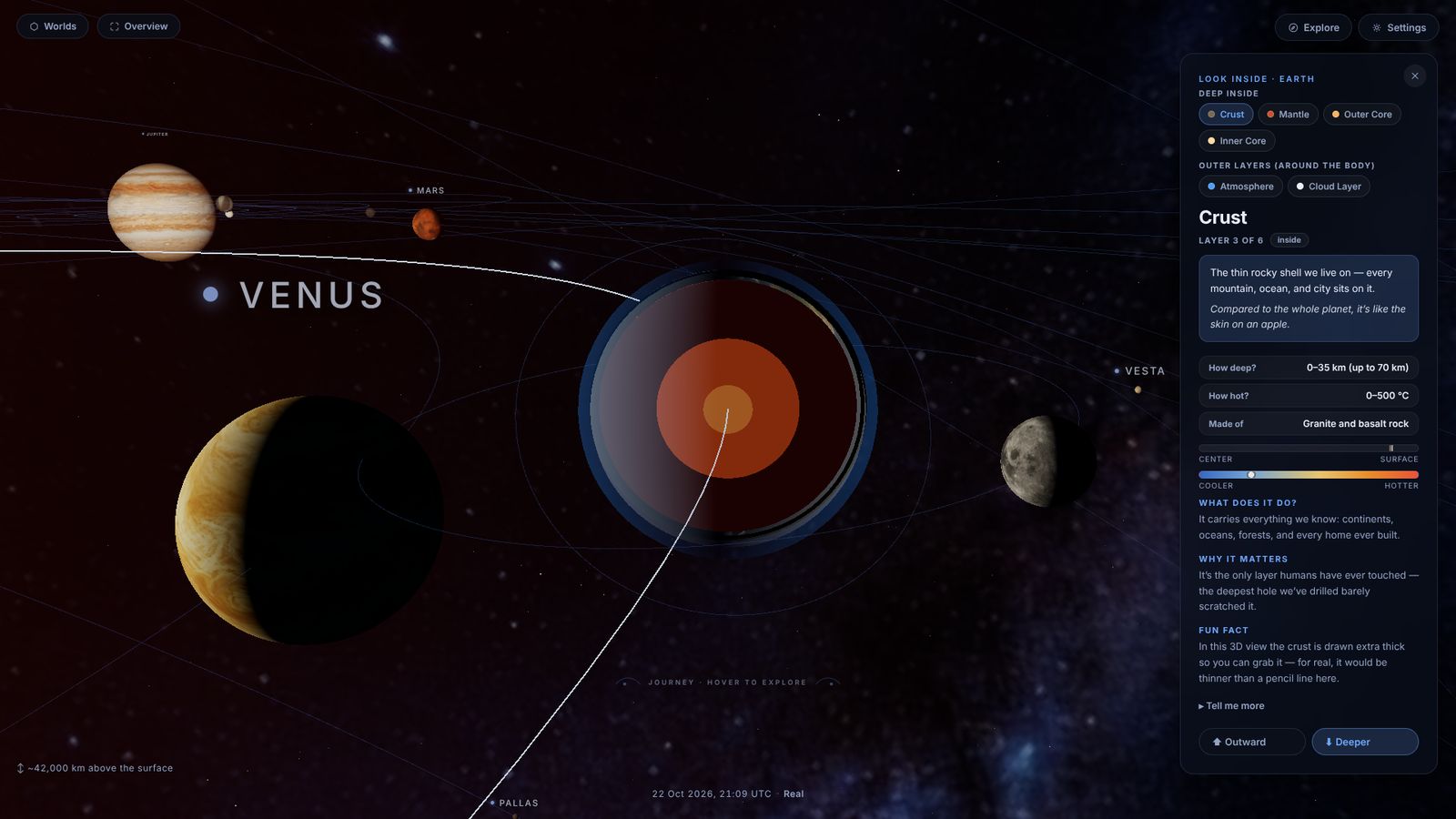
Slice open the Sun, Earth, the Moon, Mars and Jupiter. Step from crust to inner core with real depths, temperatures and materials — and an honest note wherever the 3D view has to exaggerate a layer so you can see it.

Earth cut open in Orbitale's Look Inside mode, with the crust layer card

05 / 06 · The ISS

Step aboard the International Space Station.

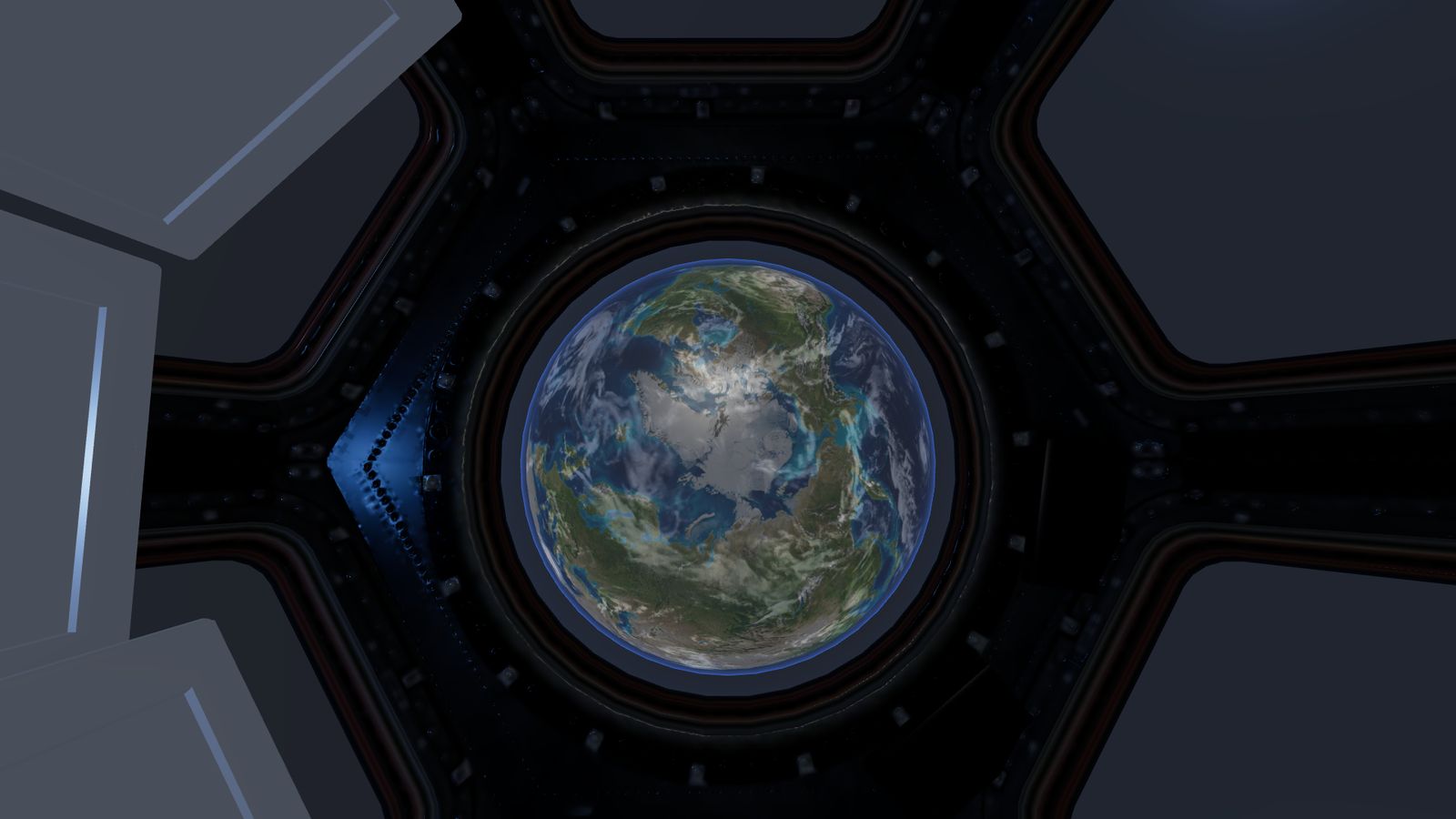
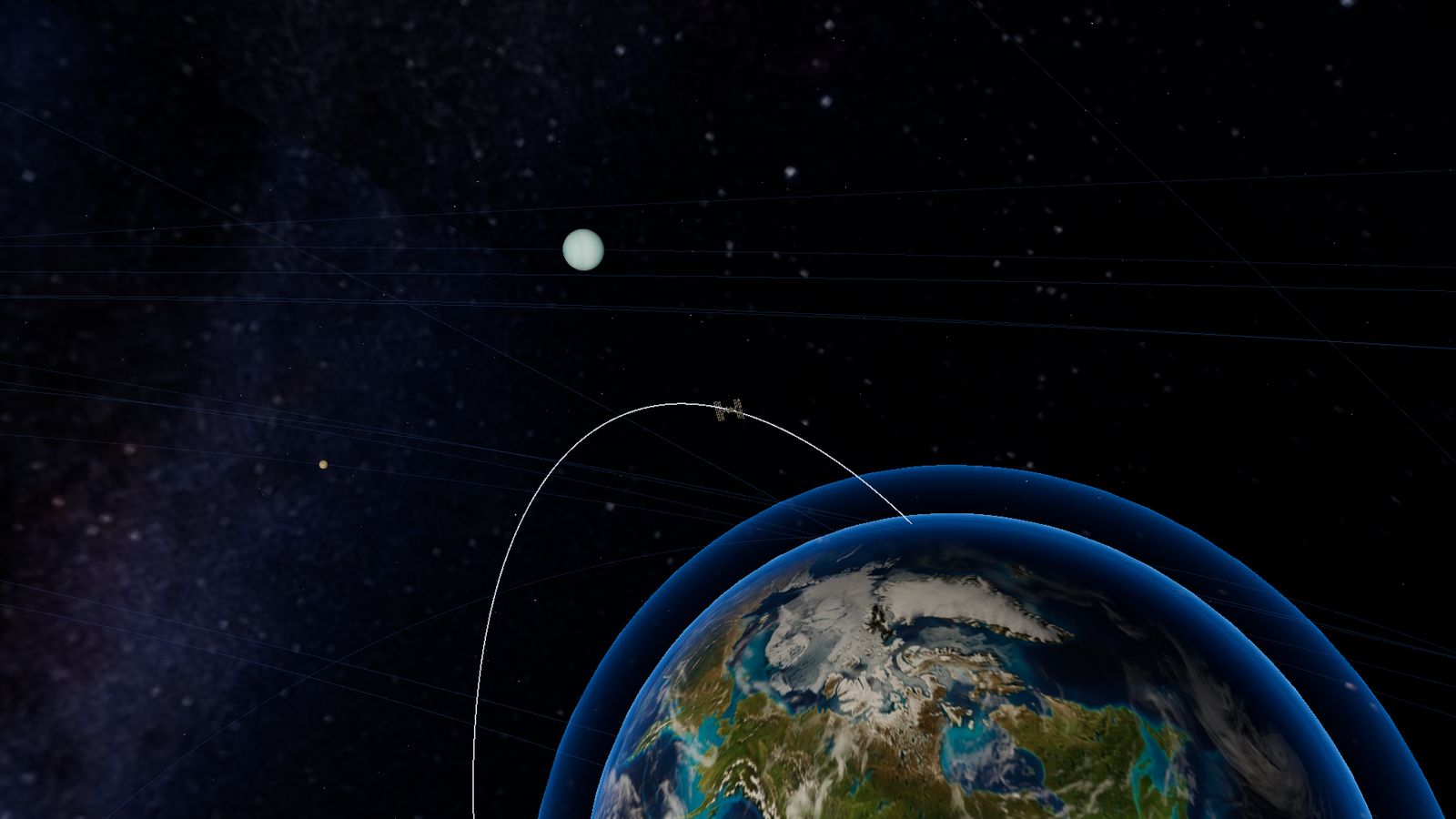
Watch the station circle Earth every 92.7 minutes, then go inside. Built from NASA’s publicly released 3D models, the interior connects real modules — Node 1, Destiny, Columbus, Kibō and the Cupola’s seven windows — all the way to the Quest airlock. A guided station tour does the navigating while you teach.

ISS 3D model source: NASA. Orbitale is an independent educational visualization and is not endorsed by NASA.

Inside the ISS Cupola in Orbitale, looking down at Earth through the central window
The ISS orbiting above Earth in Orbitale

At the Quest airlock

Then, open the hatch.

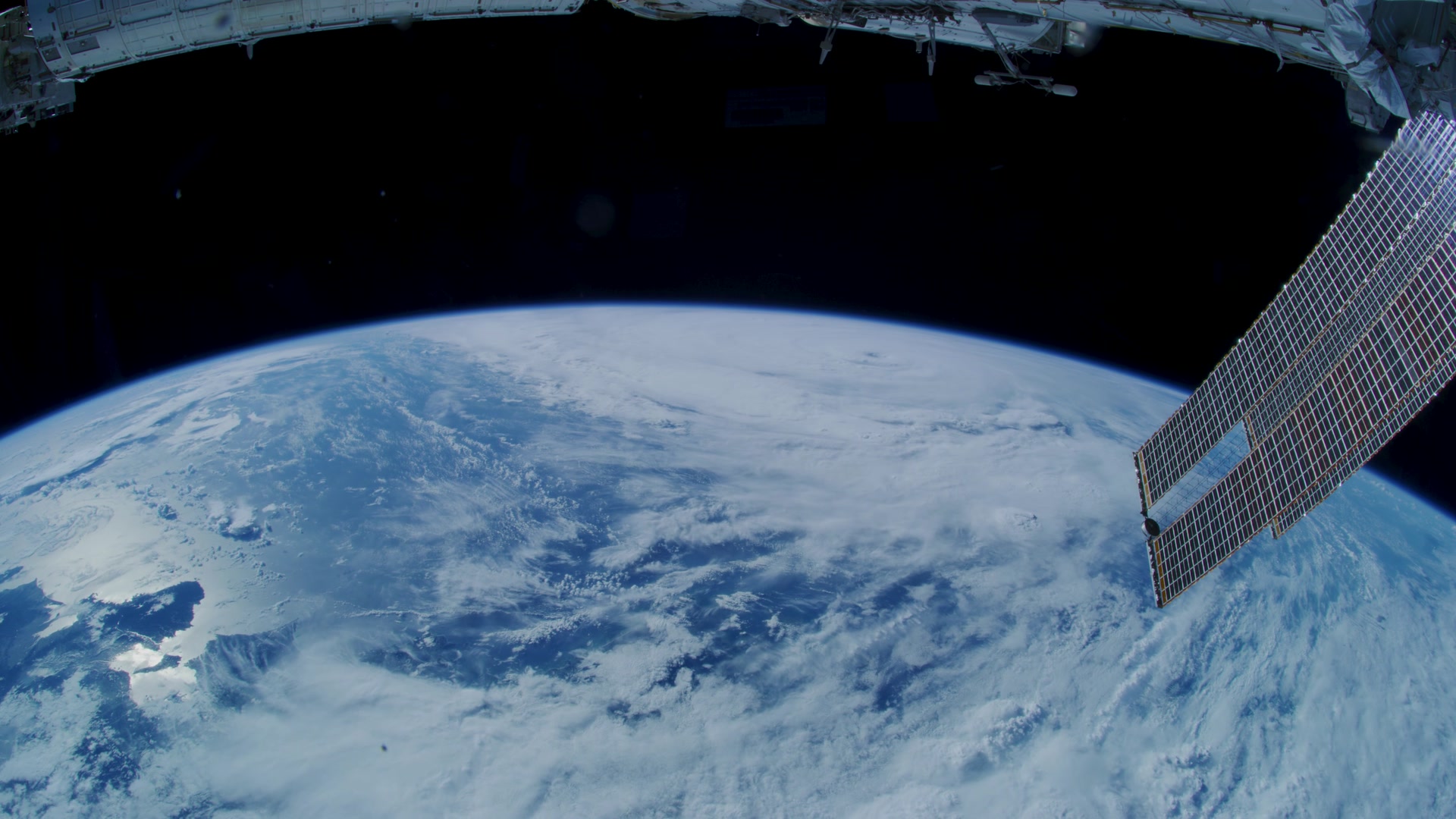
At the far end of the station the Quest airlock depressurises, and the hatch opens onto real footage of Earth filmed from the ISS.

Footage: NASA, “Earth Views” (Johnson Space Center, 2021).

06 / 06 · What If?

Change one thing about the universe. Safely.

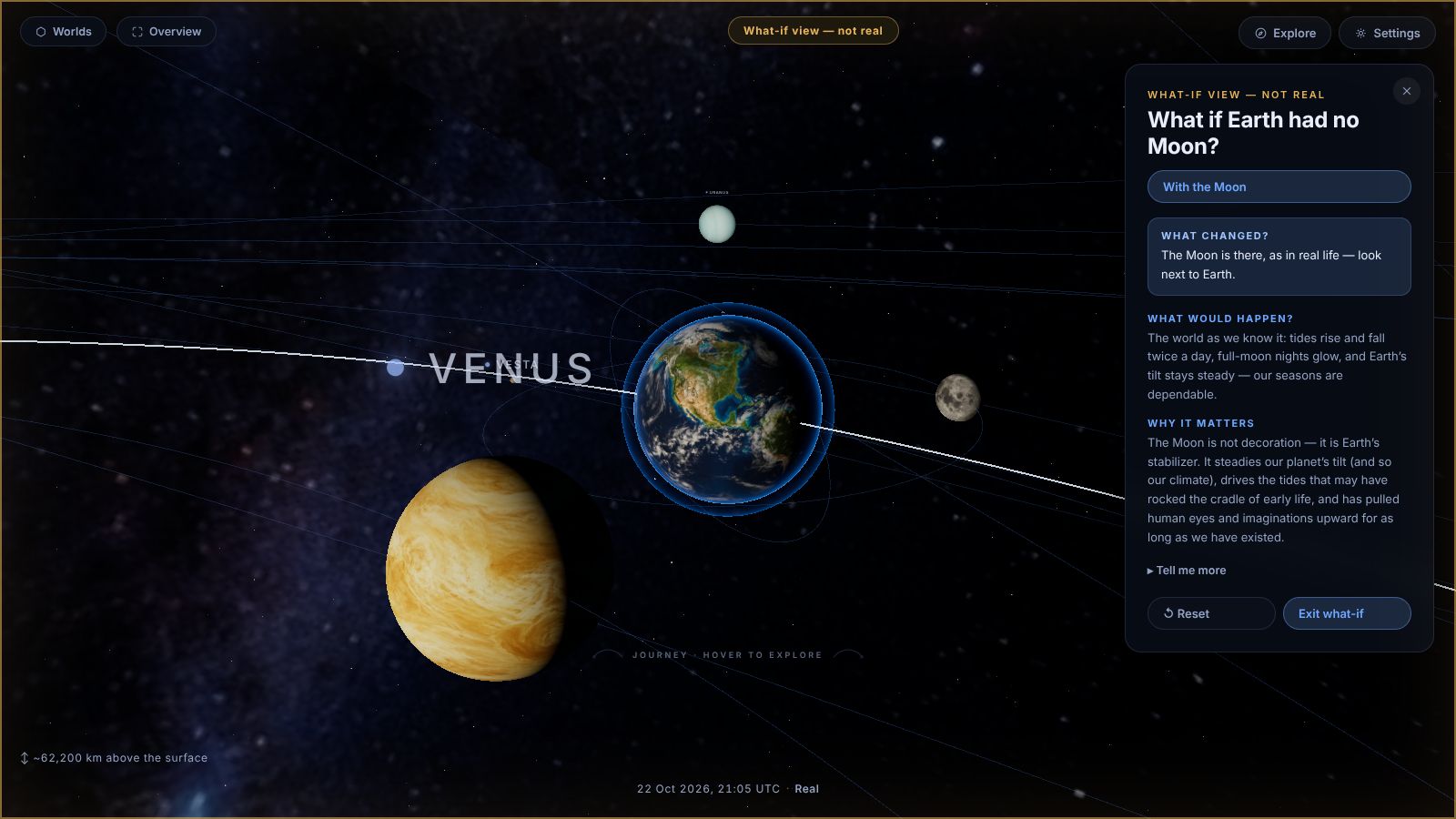
Spin Earth faster, grow the Sun, take away the Moon. Each experiment changes one variable and explains, live, what changed and what would happen — under a clear “What-if view — not real” badge, so nobody mistakes the experiment for reality.

  • What if Earth spun faster?
  • What if the Sun were bigger?
  • What if Earth had no Moon?
  • What if the Moon were closer or farther?
  • What do the tides really look like?
  • What if the Sun’s pull were stronger or weaker?
The “What if Earth had no Moon?” experiment in Orbitale

Guided missions

Lesson-ready, step by step.

Each mission sets out its learning objectives up front, walks the class through every step, and can be paused, resumed and restarted.

M·01

Earth–Moon System

Explore how Earth and the Moon move, shine, and pull on each other as one connected system.

12 min · 7 steps
M·02

Life Aboard the ISS

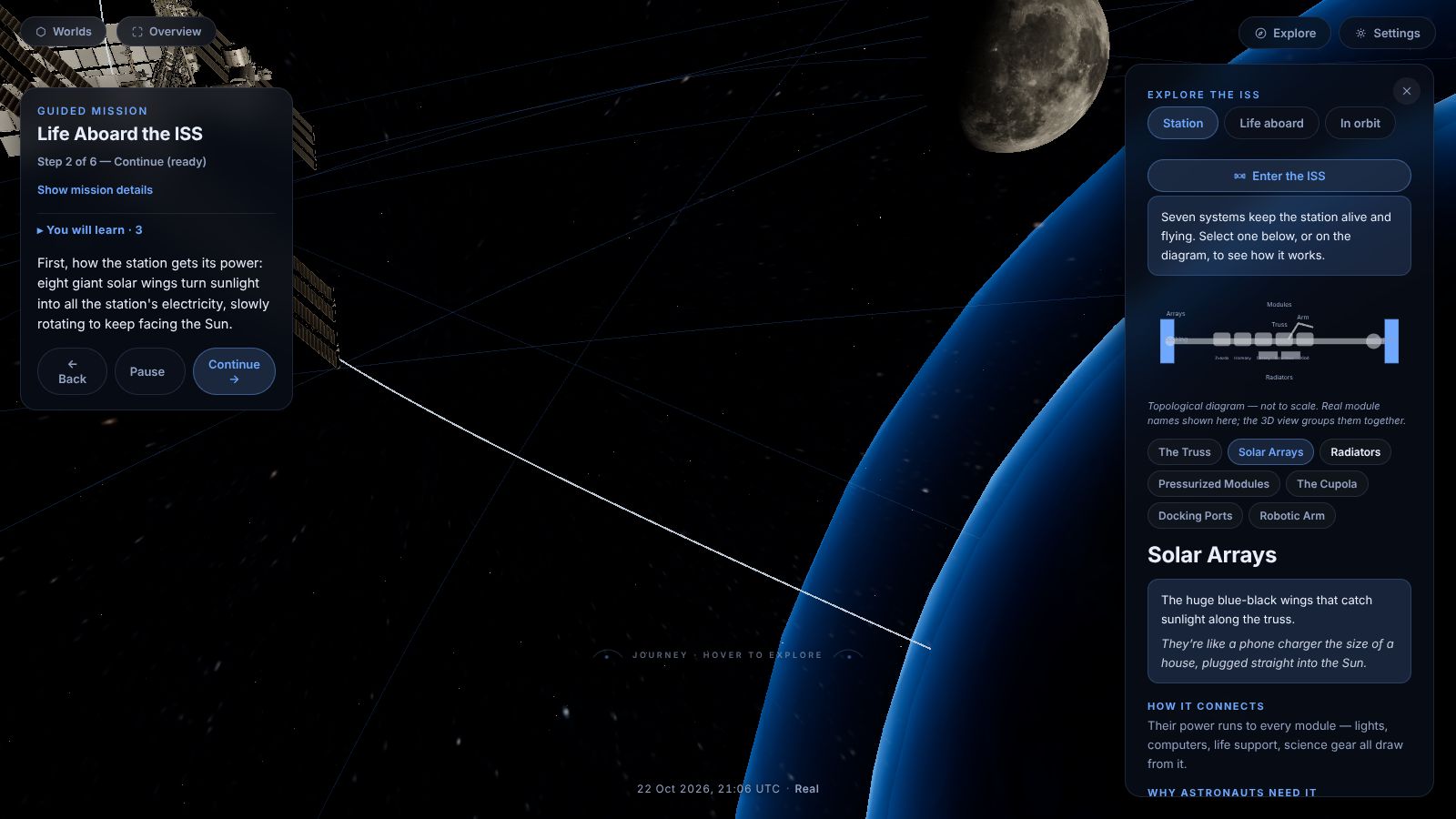
Explore the International Space Station from the outside in — how it gets its power, how it repairs itself, how astronauts sustain themselves in orbit, and what it feels like to live there.

10 min · 6 steps
M·03

How the Solar System Formed

Replay the story of our Solar System’s birth, then connect it to the Sun and Earth as they are today.

8 min · 4 steps
M·04

Asteroids, Trojans & Distant Worlds

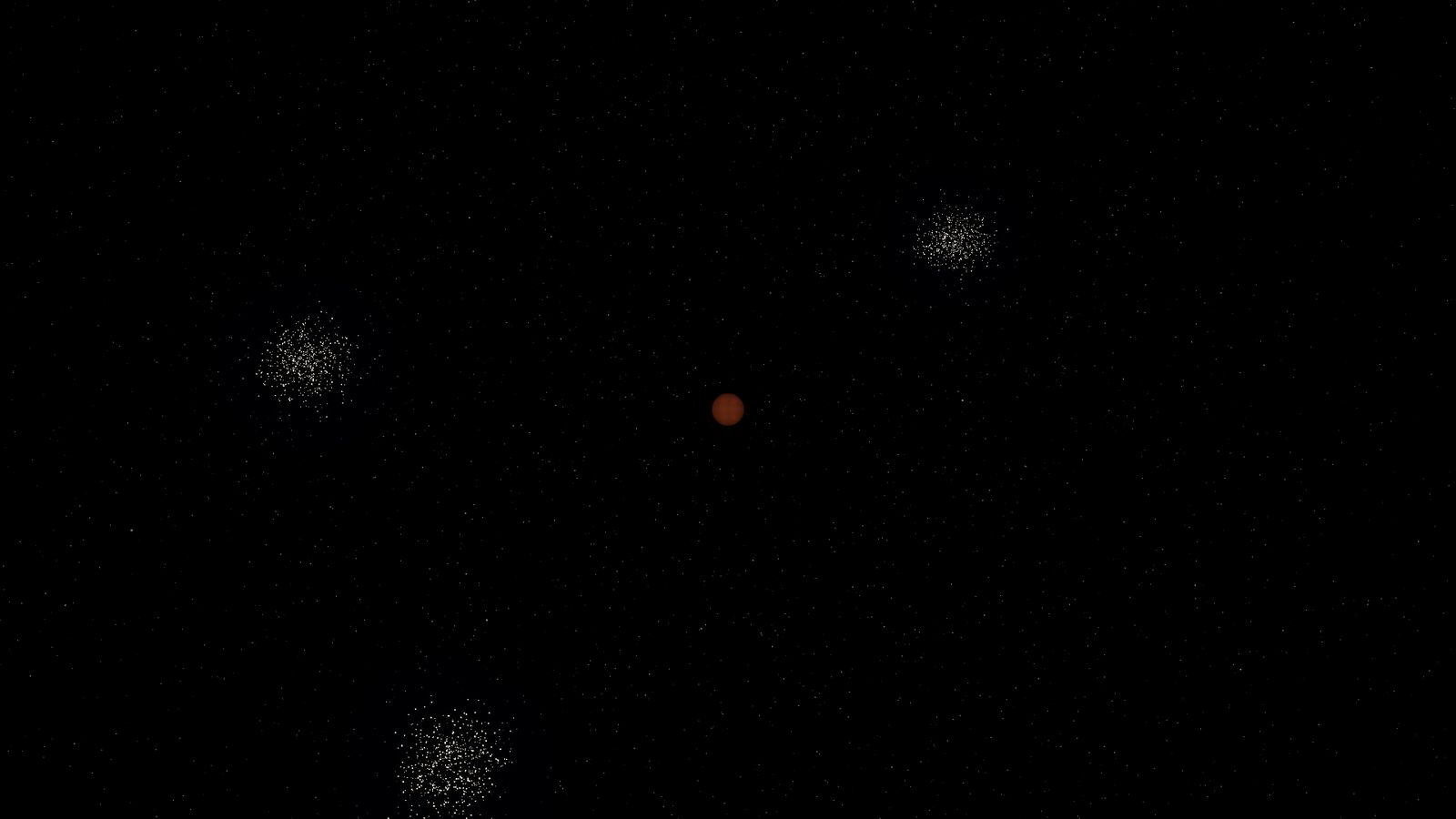
Journey beyond the planets, into the belts, swarms, and distant populations that make up most of the Solar System.

12 min · 7 steps
The Life Aboard the ISS mission running in Orbitale, with the station's systems panel open

Built for the classroom

Made for real classrooms, real projectors and real lesson plans.

Presentation Mode

A type scale the back row can read — one click, or Shift+P.

Reset for next class

One action clears mission progress and returns the camera and clock to the start.

Pause anything

Pause Origins or a mission mid-step to discuss, then pick up exactly where you left off.

Mouse, touch & keyboard

Click, tap, long-press or use the keyboard — with a visible focus ring on every control.

Adaptive Performance

A preflight check tunes detail to each computer, with Cinematic, Balanced and Performance profiles for older machines.

Comfort first

Reduced Motion calms non-essential movement while keeping the complete experience.

Two languages

English and Shqip throughout, switchable at any moment.

Private by default

No student accounts. Anonymous analytics only if you allow it.

Fullscreen

One click to fill the projector.

Designed for laptops, desktops, interactive whiteboards and large tablets in landscape, with a screen of at least 1024 × 600.

Curriculum fit

The topics your syllabus already covers — now in three dimensions.

Every explanation is layered: a line for younger learners first, deeper science one tap away. The same lesson works across age groups.

  1. Day & nightPhenomena lesson
  2. The seasons & Earth’s tiltPhenomena lesson
  3. Phases of the MoonPhenomena lesson · Earth–Moon mission
  4. Tides & gravityWhat-If experiments
  5. Inside planets & starsLook Inside
  6. How the Solar System formedOrigins · mission
  7. Asteroids, the Kuiper Belt & dwarf planetsMission · six cosmic views
  8. Human spaceflightISS outside & inside · mission
  9. Scale & distanceWhole-system view · honest scale notes

Honest by design

Real where it matters. Labelled where it isn’t.

Real

Planet positions, orbital periods, axial tilts and the Moon’s tidal lock come from real data — so what students see is what the sky is doing.

Labelled

Sizes and distances are compressed so every world is visible — and Orbitale says so. Fast demo speeds and what-if views are always marked.

Checked

Positions are tested against NASA JPL Horizons reference data, inside a suite of more than 3,000 automated tests.

One platform, many worlds

The Solar System is the first world. It won’t be the last.

Orbitale is built as a platform of explorable worlds — each one a subject students can step inside.

Live now

Solar System

Explore, learn and ask "What if". Then fly to our home in space, the ISS.

Planned

Biology / Life

A future world about how living things work.

Planned

Computer Hardware / Electronics

A future world about what makes machines tick.

Public Alpha · Founding schools

Become one of Orbitale’s founding schools.

Orbitale is in Public Alpha. We’re inviting a first group of schools, colleges and education centres to use it in real lessons and help shape what comes next.

  • A live walkthrough for your teaching team
  • A direct line to the people building it
  • Your classroom’s feedback shapes the roadmap

Sending opens your own email app with these details filled in. Nothing is stored by this page.

The universe is closer than your next lesson.